





Managing money has become more complex than ever before.
As living costs rise, people want better control over their income and expenses.
However, tracking everything manually often leads to mistakes and confusion.
Therefore, many users now rely on digital tools like Quicken software to manage their finances more effectively.
Quicken software is one of the most popular personal finance tools available today.
It helps individuals and families track spending, create budgets, and plan savings.
Moreover, it connects with bank accounts to show real-time financial data.
As a result, users can make smarter money decisions without stress.
In this guide, you will learn what Quicken software is, how it works, its main features, pricing, pros and cons, and the best alternatives.
By the end, you will know whether Quicken is the right choice for your needs.
What Is Quicken Software?
Quicken software is a personal finance management application designed to help users organize their money.
Instead of using spreadsheets, people can track income, expenses, bills, and investments in one place.
In addition, Quicken connects with banks and credit cards to sync transactions automatically.
Originally, Quicken was a desktop program.
However, it now offers cloud sync and mobile access as well.
Because of this, users can manage finances on both computer and phone.
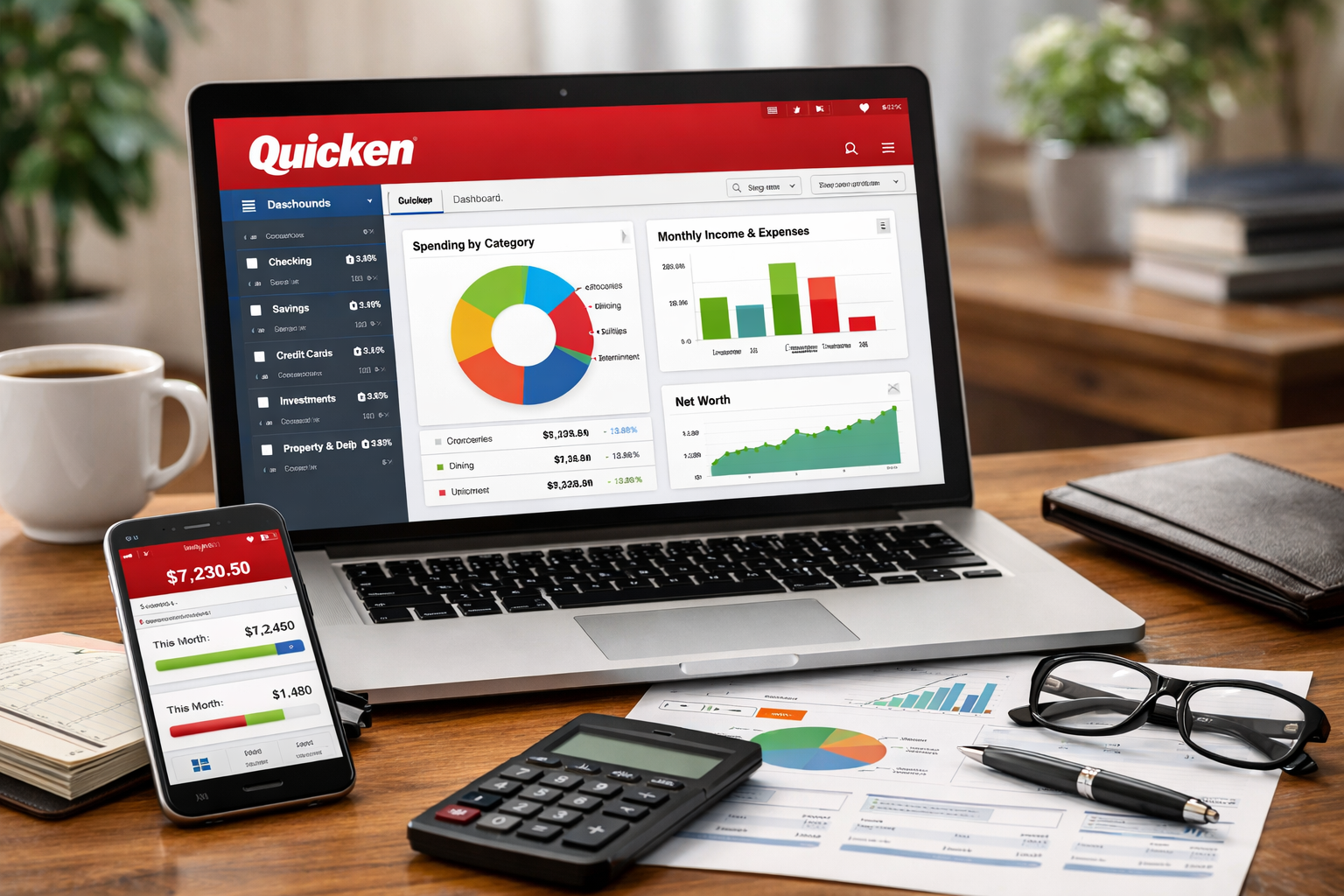
Simply put, Quicken software acts like a financial dashboard.
It shows where your money comes from, where it goes, and how to improve your financial habits.
How Quicken Software Works
First, you create an account and choose a subscription plan.
Next, you connect your bank accounts, credit cards, and loans.
Then, Quicken automatically imports transactions.
After that, you categorize expenses such as food, rent, or utilities.
Moreover, you can set monthly budgets for each category.
As a result, Quicken shows warnings when you are close to overspending.
Meanwhile, users can create goals for saving and debt reduction.
For example, you can set a goal to save for a vacation or pay off a loan faster.
Therefore, Quicken becomes both a tracking and planning tool.
Key Features of Quicken Software
Quicken software offers many features for personal finance management.
However, the most useful ones are listed below.
1. Budgeting and Expense Tracking
Quicken allows users to create monthly budgets.
Additionally, it tracks daily spending automatically.
As a result, users can see where money is wasted and where to cut costs.
2. Bank and Credit Card Sync
Quicken connects with thousands of banks.
Therefore, transactions update in real time.
This feature saves time and reduces manual work.
3. Bill Management
Users can track upcoming bills and due dates.
Moreover, reminders help avoid late payments.
Consequently, this reduces unnecessary fees.
4. Investment Tracking
Quicken also supports basic investment tracking.
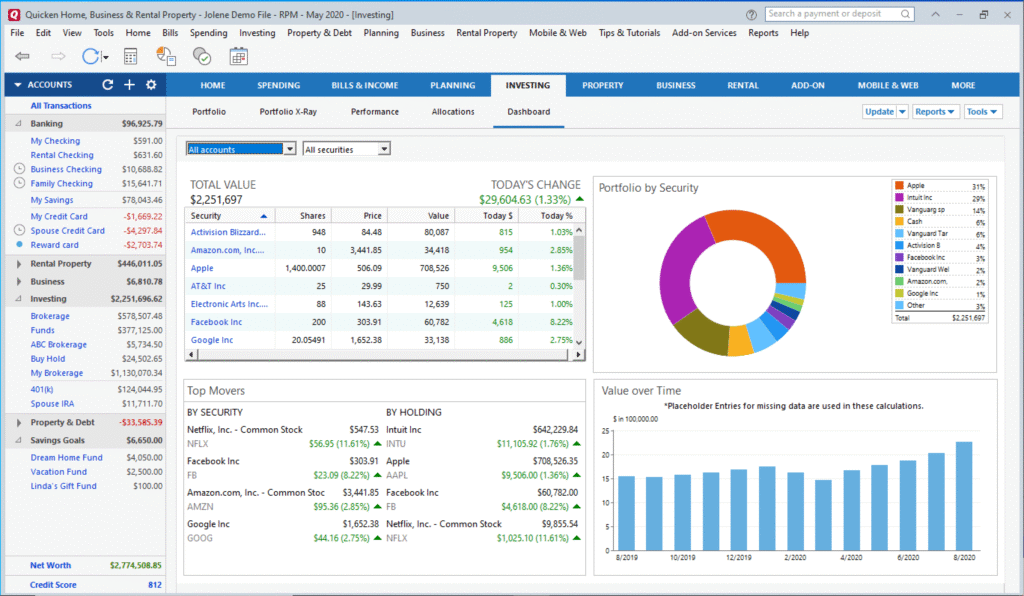
For instance, users can monitor stocks, mutual funds, and retirement accounts.
Thus, it becomes easier to see overall financial health.
5. Reports and Insights
Quicken generates detailed reports on spending and savings.
Furthermore, visual charts help users understand habits clearly.
As a result, financial decisions become more informed.
Quicken Software Pricing (2026)
Quicken works on a yearly subscription model.
Prices may vary by region and plan.
However, the main plans include:
- Starter Plan: Basic budgeting and tracking
- Deluxe Plan: Advanced budgeting, bill tracking, and reports
- Premier Plan: Includes investment tools
- Home & Business Plan: For small business owners
Although Quicken is not free, it offers strong features for the price.
Therefore, many users find it worth the cost.
Pros and Cons of Quicken Software
✅ Pros
- Easy to use for beginners
- Strong budgeting tools
- Automatic bank sync
- Detailed financial reports
- Works on desktop and mobile
❌ Cons
- Requires yearly subscription
- Can feel complex for basic users
- Limited features in cheaper plans
- Not ideal for advanced accounting
Although Quicken has some drawbacks, it still remains a powerful personal finance tool for most users.
Who Should Use Quicken Software?
Quicken software is best for:
- Individuals managing personal budgets
- Families tracking household expenses
- People planning savings and debt payoff
- Beginners who want financial clarity
However, large businesses or advanced accountants may need more complex tools.
Therefore, Quicken is mainly for personal and small-scale finance management.
Best Alternatives to Quicken Software
While Quicken is powerful, some users prefer alternatives.
Here are the best options:
1. Mint (Free Alternative)
Mint is a free budgeting app.
However, it offers fewer advanced features than Quicken.
2. YNAB (You Need A Budget)
YNAB focuses on strict budgeting.
Moreover, it is great for people who want to control spending habits.
3. Personal Capital
Personal Capital is best for investment tracking.
In addition, it offers wealth management insights.
4. Wave (For Small Businesses)
Wave is useful for freelancers and small businesses.
However, it focuses more on accounting than personal finance.
Each alternative has strengths.
Therefore, the best choice depends on your financial goals.
Is Quicken Software Worth It in 2026?
Quicken software remains relevant in 2026.
Because financial complexity is increasing, users need clear tracking tools.
Moreover, Quicken continues to update features and security.
If you want one tool to manage budgets, bills, and investments, Quicken is a solid choice.
However, if you only need basic tracking, free apps may be enough.
Therefore, the value of Quicken depends on how serious you are about managing money.
How to Get Started with Quicken Software
First, visit the official Quicken website.
Then, choose a plan that matches your needs.
After that, install the app on your device.
Next, connect your financial accounts carefully.
Meanwhile, set categories and budgets clearly.
Finally, review your dashboard daily to build a habit of tracking money.
Common Mistakes to Avoid
Many users quit finance apps early.
However, this usually happens because of wrong expectations.
Avoid these mistakes:
- Not categorizing expenses properly
- Ignoring budgets after setup
- Expecting instant results
- Not reviewing reports regularly
Consistency matters more than perfection.
Therefore, use Quicken daily for best results.
FAQs About Quicken Software
What is Quicken software used for?
Quicken software is used to track expenses, manage budgets, monitor bills, and plan savings.
Is Quicken software free?
No, Quicken requires a yearly subscription.
Can Quicken connect to banks?
Yes, Quicken connects with thousands of banks and credit cards.
Is Quicken good for beginners?
Yes, Quicken is beginner-friendly with simple dashboards.
What is the best alternative to Quicken?
YNAB and Mint are popular alternatives depending on needs.
Final Verdict
Quicken software is a reliable personal finance tool for budgeting, tracking expenses, and planning goals.
Although it is not free, it provides strong value for people who want financial clarity.
Therefore, if you are serious about managing money, Quicken is worth trying.