





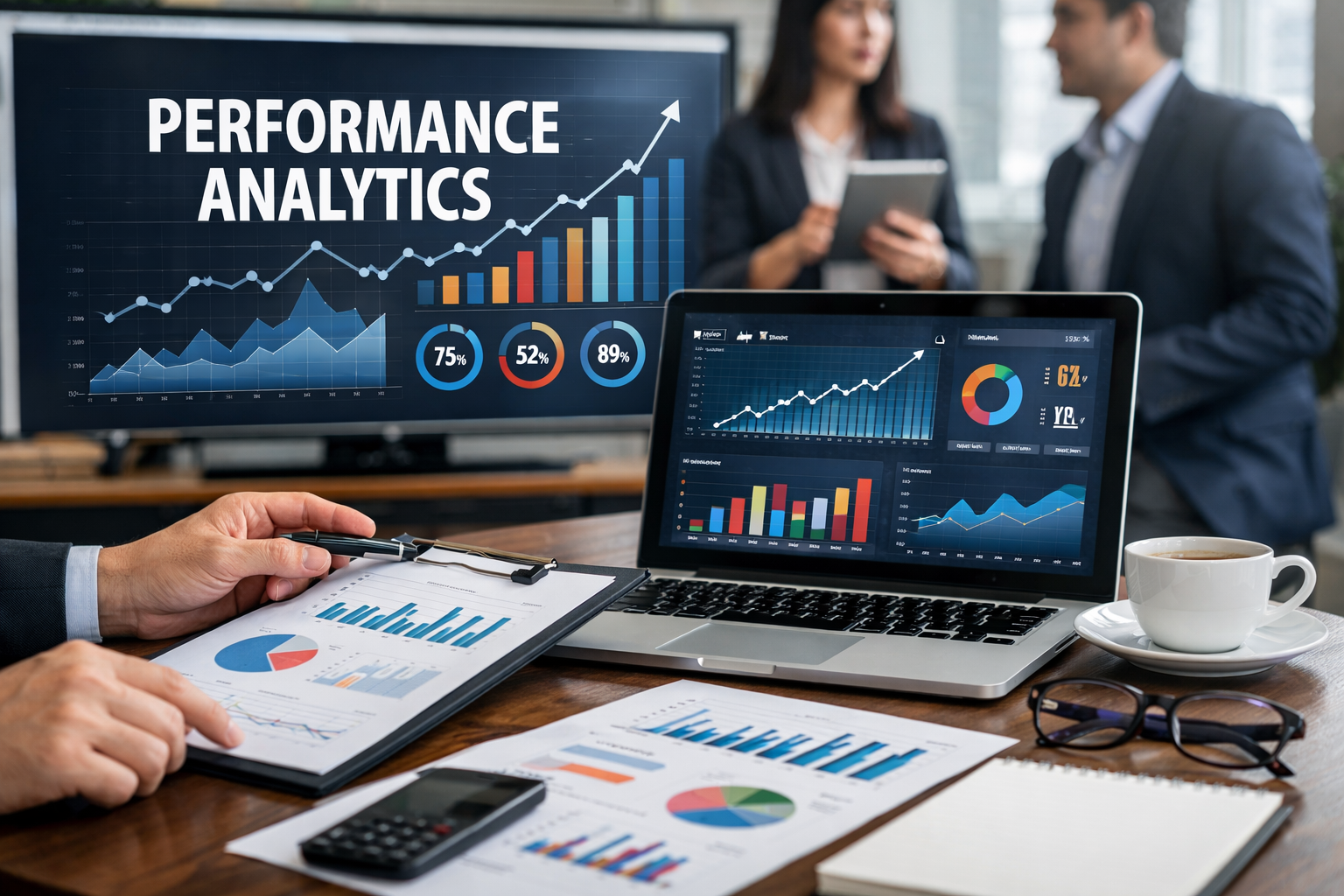
In today’s fast-paced business world, guessing is no longer enough. Performance analytics gives businesses, marketers, and teams the insights they need to make informed decisions. Without it, even the best strategies can fail silently.
For example, a marketing campaign without proper tracking is like sailing a ship without a compass. You might move, but you won’t know if you’re headed in the right direction. By using performance analytics, you can understand what works, what doesn’t, and where to focus your energy.
Moreover, tracking performance is not just about numbers. It’s about turning data into actionable insights that can boost growth, efficiency, and profitability.
What Is Performance Analytics?
Performance analytics is the process of collecting, measuring, and interpreting data to evaluate how effectively a business, website, or team achieves its goals.
It goes beyond simply tracking numbers. While metrics show what happened, analytics answers why it happened and how to improve results.
For instance, a website may see 10,000 visits in a month, but performance analytics can reveal how many of those visitors became paying customers, which pages drove the most engagement, and which marketing channels produced the highest ROI.
Additionally, performance analytics helps align business strategy with real-world results. By monitoring KPIs (Key Performance Indicators) and other metrics, companies can make proactive adjustments rather than reacting to problems after they occur.
Key Metrics to Track in Performance Analytics
Tracking the right metrics is crucial. Not all numbers are created equal. Below are some essential areas:
Website Metrics:
- Traffic: Measures the number of visitors.
- Bounce Rate: Shows how many visitors leave without interacting.
- Conversion Rate: Percentage of visitors who take the desired action.
Marketing Metrics:
- Click-Through Rate (CTR): How many people clicked your links.
- Return on Investment (ROI): Evaluates profitability of campaigns.
- Engagement: Likes, shares, comments, and interactions.
Sales Metrics:
- Leads: Number of potential customers generated.
- Closed Deals: Number of successful conversions.
- Revenue Growth: Tracks overall financial progress.
For example, if your website traffic is high but conversion rates are low, performance analytics can pinpoint whether the issue is the landing page design, messaging, or audience targeting.
Step-by-Step Guide to Implement Performance Analytics
Step 1 – Define Clear Goals
Before tracking anything, identify what you want to achieve. Goals could include increasing sales, improving website engagement, or reducing employee errors. Clear goals create direction and make analytics meaningful.
Step 2 – Choose Metrics That Matter
Focus on metrics that directly reflect your goals. Tracking irrelevant data only creates noise. For example, if your goal is revenue growth, monitoring page load speed is helpful but secondary to conversion rates.
Step 3 – Collect Data Efficiently
Use tools like Google Analytics, HubSpot, or Power BI to gather accurate data. Ensure that your tracking setup is consistent and reliable. Remember, incomplete data leads to wrong conclusions.
Step 4 – Analyze & Interpret Data
Data alone is not enough. Look for trends, patterns, and anomalies. Ask questions such as: Why did a campaign perform better last month? Which actions led to improved employee productivity?
Step 5 – Take Action and Optimize
Analytics is valuable only if it leads to action. Implement changes, track results, and refine strategies. For instance, if a social media campaign underperforms, analyze posts, timing, and audience targeting to optimize the next one.
Best Tools for Performance Analytics
Choosing the right tool can simplify data collection and interpretation. Here are some top options:
- Google Analytics: Free, tracks website performance, user behavior, and conversions.
- Tableau: Advanced visualization tool for detailed analytics.
- HubSpot: CRM-focused analytics for marketing, sales, and service teams.
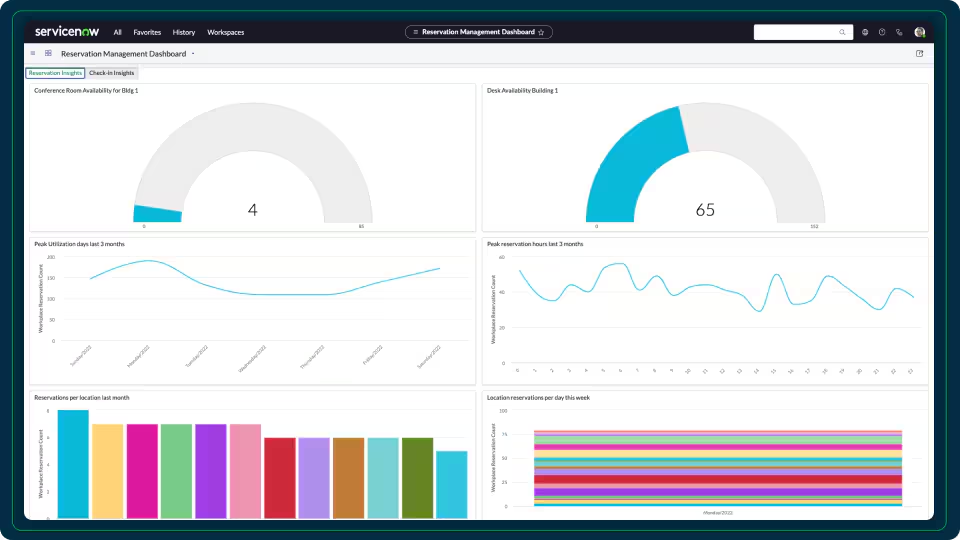
- Databox: Real-time dashboards with multiple data sources.
- Power BI: Business intelligence platform for enterprise-level analytics.
Additionally, these tools allow automated reporting, saving time while ensuring you never miss critical insights.
Common Mistakes in Performance Analytics
Even experienced teams make mistakes. Avoid these pitfalls:
- Tracking too many metrics: Focus on what drives results.
- Ignoring context: Numbers alone do not explain the full story.
- Not acting on insights: Data is useless without implementation.
- Poor visualization: Hard-to-read charts hinder understanding.
Consequently, fixing these issues increases the value of your analytics efforts dramatically.
Advanced Performance Analytics Techniques
For businesses looking to gain a competitive edge, advanced methods can deliver deeper insights:
- Predictive Analytics: Uses historical data to forecast future outcomes.
- Cohort Analysis: Segments users or customers to understand behavior over time.
- Real-Time Dashboards: Provides immediate insights for fast decision-making.
For instance, Amazon predicts customer preferences using predictive analytics, improving sales and retention simultaneously.
How Performance Analytics Boosts Business Growth
By implementing performance analytics effectively:
- Companies increase ROI by focusing on high-performing campaigns.
- Teams improve productivity by identifying bottlenecks.
- Decision-making becomes faster and more informed.
In fact, businesses that leverage data-driven insights outperform competitors who rely on intuition alone. For example, Netflix uses performance analytics to recommend shows, leading to higher engagement and subscription growth.
How to Start Performance Analytics (Beginner Guide)
Even beginners can start small:
- Identify one goal: Website traffic, sales, or employee efficiency.
- Pick one or two metrics: For focus and simplicity.
- Use free tools first: Google Analytics or Excel dashboards.
- Review weekly: Look for patterns and make adjustments.
- Expand gradually: Add more metrics and advanced tools as confidence grows.
Additionally, maintaining a consistent schedule ensures data accuracy and long-term improvement.
Quick Action Checklist
- ✅ Define your top goal
- ✅ Choose 3–5 relevant metrics
- ✅ Set up tracking tools
- ✅ Analyze weekly or monthly
- ✅ Implement improvements
- ✅ Review results and iterate
Frequently Asked Questions (FAQ)
Q1: What is performance analytics?
A: It’s the process of tracking, measuring, and analyzing key metrics to improve business or team performance.
Q2: Why is performance analytics important?
A: It turns raw data into actionable insights, helping businesses make informed decisions and improve efficiency.
Q3: How do I start performance analytics as a beginner?
A: Start small—define a goal, pick key metrics, and track them using free tools like Google Analytics.
Q4: Which tools are best for performance analytics?
A: Google Analytics, Tableau, HubSpot, Databox, and Power BI are top choices.
Q5: Can performance analytics improve team productivity?
A: Yes. By tracking workflow, bottlenecks, and output, teams can optimize processes and increase efficiency.
Conclusion
Performance analytics is more than numbers—it’s a roadmap for growth. By measuring, analyzing, and acting on insights, businesses, marketers, and teams can achieve better results consistently.
Start with small goals, track meaningful metrics, and use the right tools. Over time, these insights compound, enabling smarter decisions and higher efficiency.
Remember, data only works when acted upon. Therefore, integrate analytics into daily operations and continuously refine strategies. As a result, your business will not only survive but thrive in a competitive landscape.